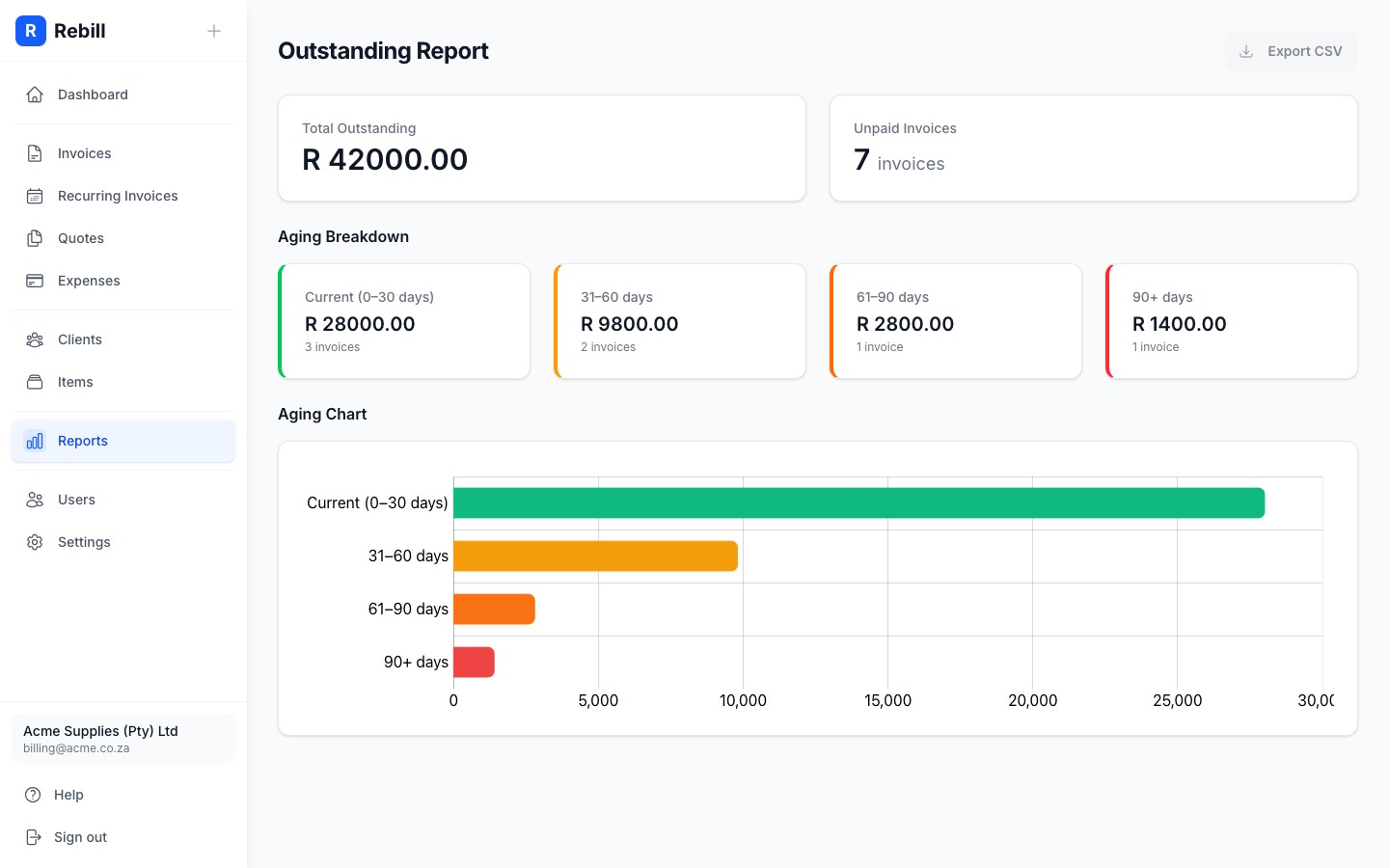
The Outstanding Report shows you everything you're still owed. It groups unpaid invoices by how overdue they are, so you can see at a glance where to focus your collection efforts.
Opening the report
- 1
Go to Reports → Outstanding Report
Click Reports in the left sidebar, then click "Outstanding Report".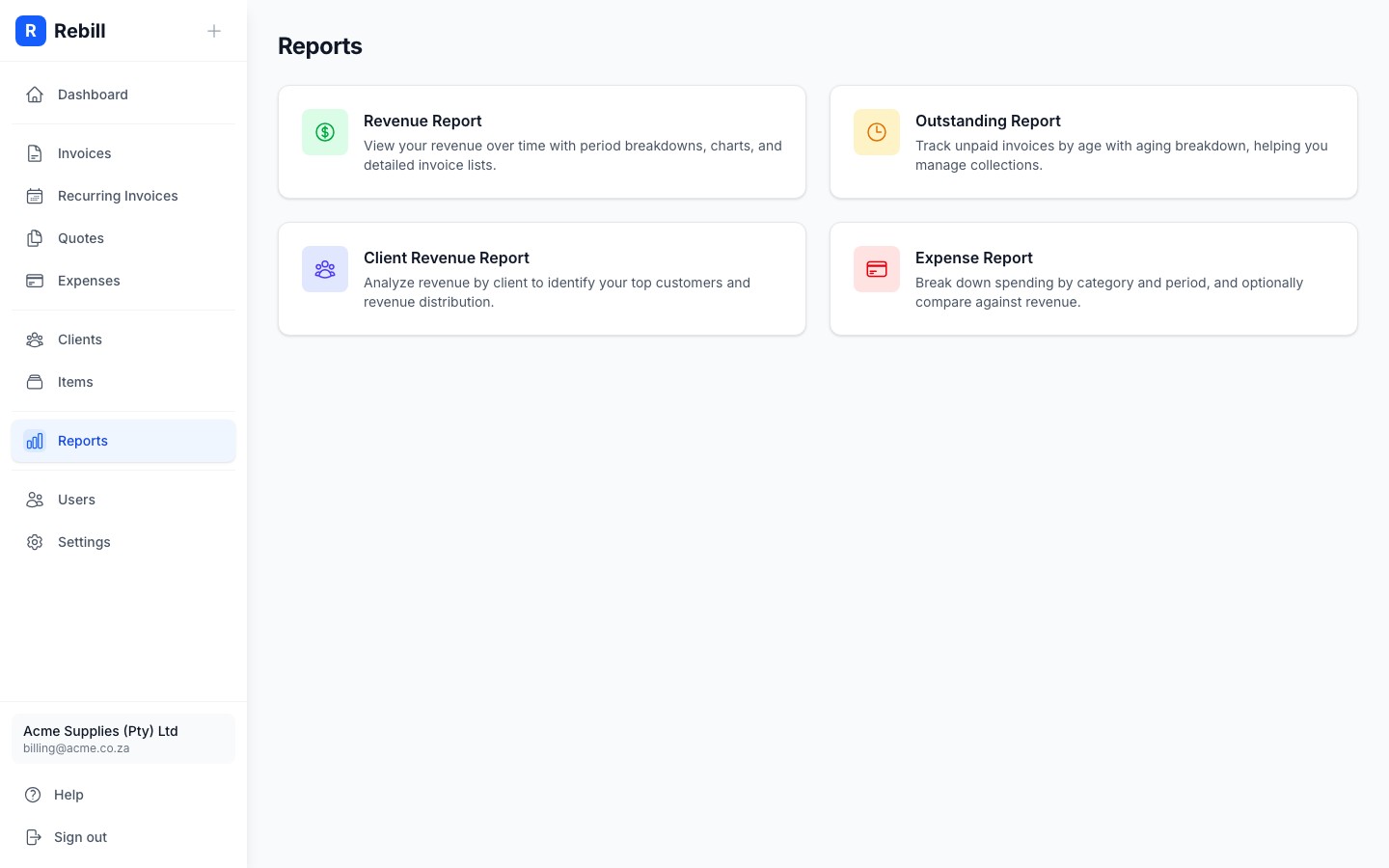
The aging breakdown
Four cards at the top split your outstanding invoices into age buckets:
- Current (0–30 days): invoices within normal payment terms. Nothing to worry about yet.
- 31–60 days: starting to age. Consider sending a polite reminder.
- 61–90 days: overdue. A firm follow-up is usually needed.
- 90+ days: seriously overdue. These need immediate attention.
Each card shows the total amount and number of invoices in that bucket. The chart below gives you a visual comparison.
The outstanding invoices table
Below the chart, every unpaid invoice is listed. The Status column shows exactly how many days overdue each invoice is, colour-coded from green (on time) to red (very overdue). Click any invoice number to open it.
Tip
Use "Export CSV" to download the full list. This is useful for reconciling with your bank or handing to a debt collector.