If you have staff or partners who need to manage invoices, you can give them their own access to your Rebill account. Each person gets their own login. No need to share passwords.
Premium feature
Multiple users is a Premium plan feature. You need to be on Premium to invite team members. Only account admins can manage users.Inviting a team member
- 1
Go to Users
Click Users in the left sidebar (only visible to admins on Premium).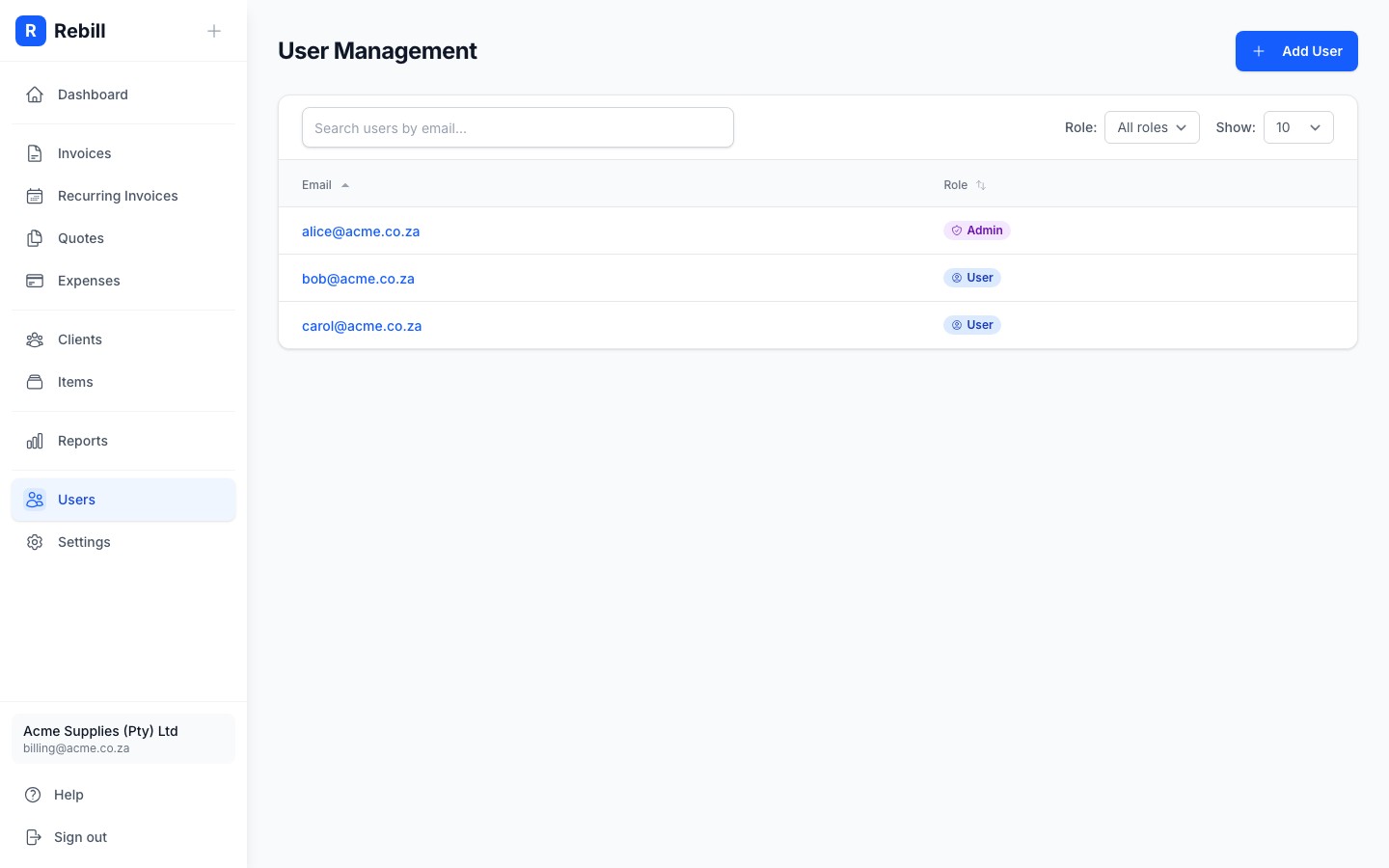
- 2
Click "Add User"
Click the "Add User" button at the top right.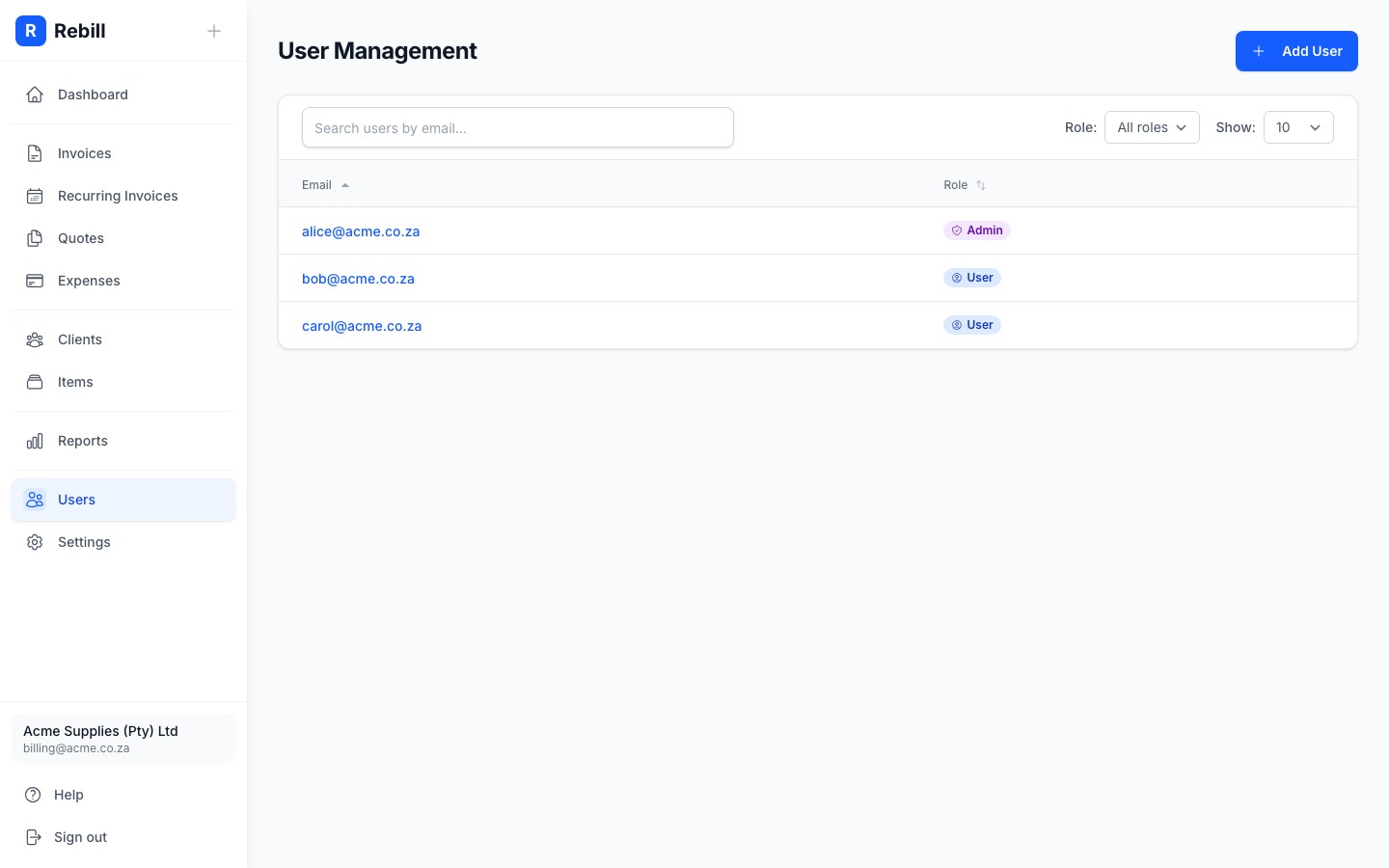
- 3
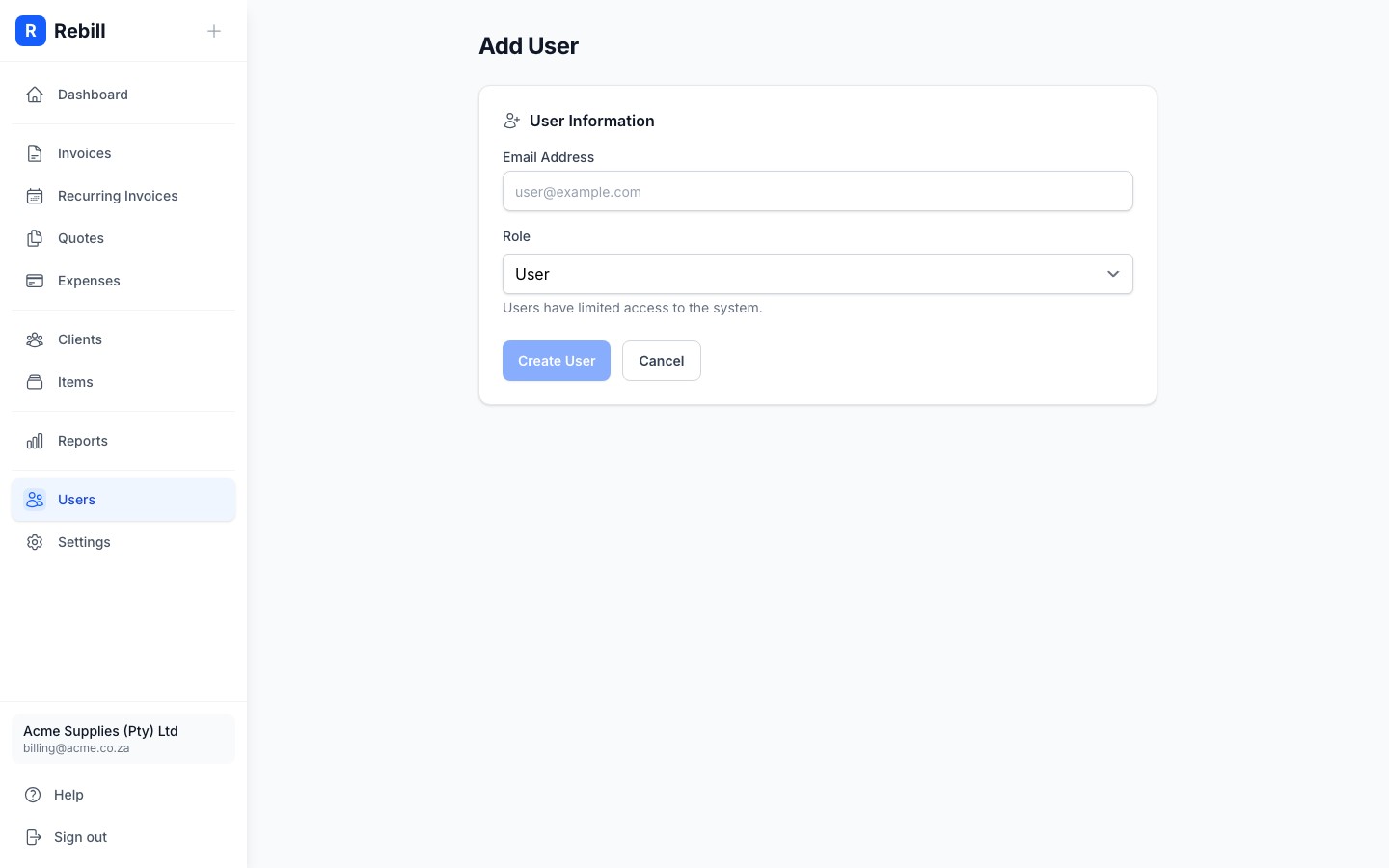
Enter their email and choose a role
- Email: the email address of the person you're inviting
- Role: choose Admin or User (see below for the difference)
- 4
Save
Click "Create User". The new team member can now log in using Rebill's email code login. No password needed.
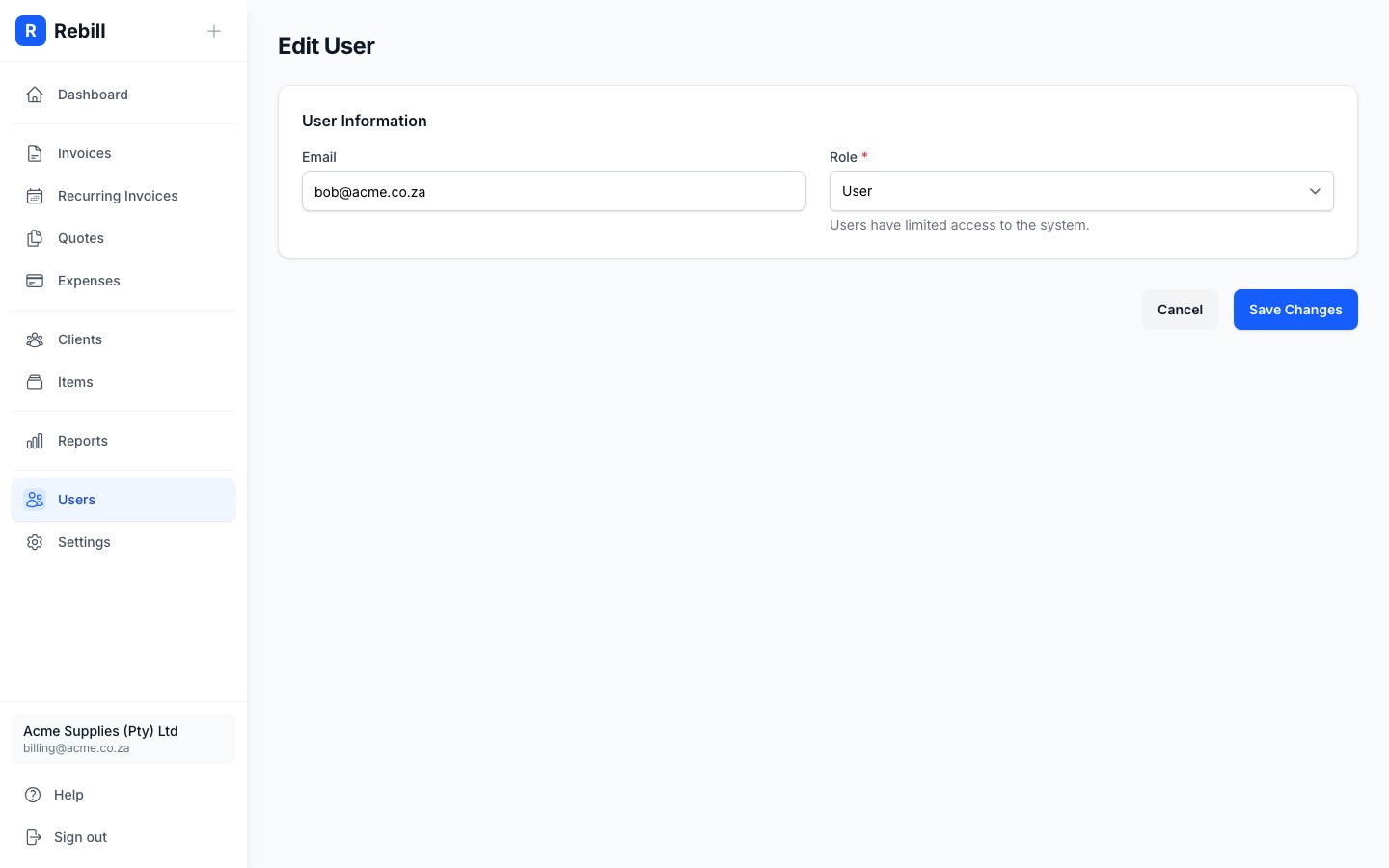
Changing a user's role
- 1
Click on the user
In the Users list, click on the team member's email to open their profile. - 2
Edit and change the role
Click "Edit User", change the role, and click "Save".